
Updates
Bijgehouden sinds november 2025
15. Januar 2026
Status update in the queue
The queue is automatically activated when it is busy. Starting ticket sales at a fixed time? Then you can pre-set the queue by entering the same start time for all ticket prices. Visitors will first enter a waiting room before the start time. Once ticket sales begin, everyone is randomly assigned a place in the queue and gradually let through to the checkout. Make sure there are no other tickets available in the checkout before the set start time. If there are, the waiting room will not be active and users will be let through earlier.
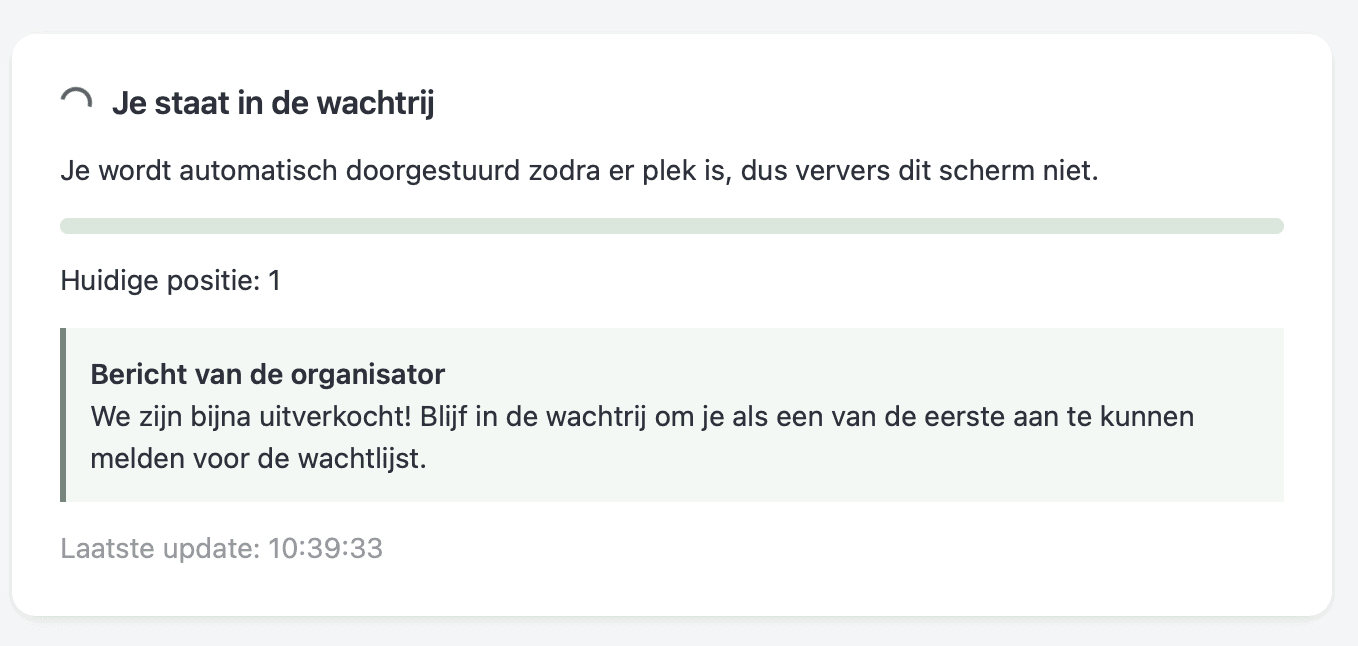
Status message
The status message is displayed to users in the queue. This way, you can keep them informed, for example, about the status of ticket sales.
Back